

Integrations & Remote Workspaces
Configure SSH connections and external tools, and open projects on a remote host with Studio's remote workspaces.
Integrations
Studio can store connection details and tool preferences for your workspace:
- SSH connections — saved hosts used to open remote workspaces.
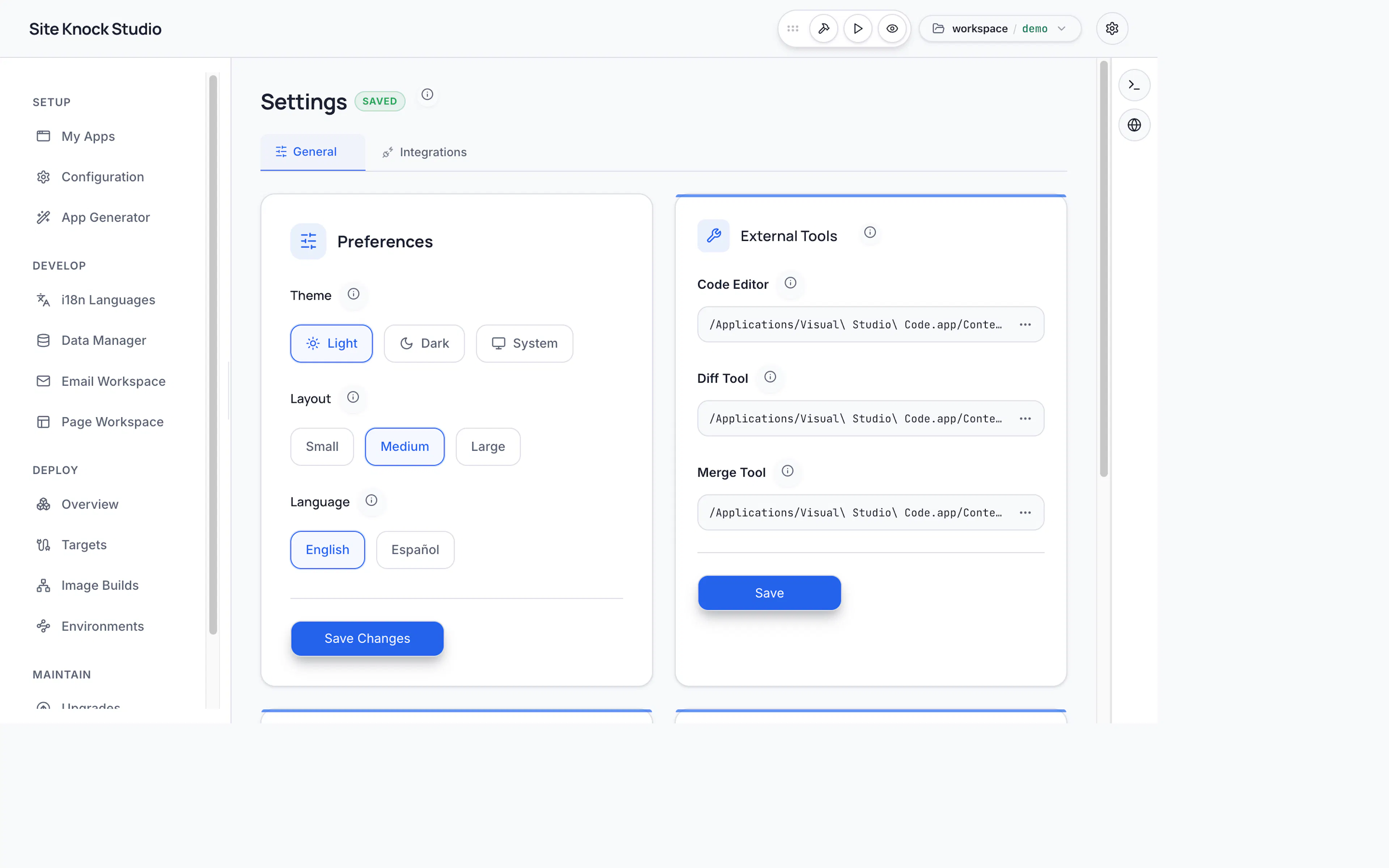
- External tools — configure the commands Studio uses to open your editor, diff viewer, and merge tool.
Remote workspaces
The Studio desktop app can open a remote workspace: your project files, terminals, dev servers, and the code generator run on a remote host reached over SSH, while the Studio UI runs locally. This mirrors the VS Code Remote-SSH model — a thin local UI over a remote execution environment.
This is useful when:
- Your project lives on a powerful build server or a cloud VM.
- You want to develop against a remote environment without syncing files manually.
Remote workspaces are a desktop (Electron) feature. The container build of Studio always runs in single-workspace mode against its mounted workspace.
How it works at a glance
When you open a remote workspace, Studio:
- Checks the remote host has Node.js and pnpm (and offers to install them if not).
- Ships its backend to the remote host and runs it there over an SSH tunnel.
- Keeps account and licensing operations on your local machine, while all file, terminal, and generator work happens on the remote host.
Because account and licensing calls stay local, opening a remote workspace requires at least one activated project on your local machine to provide your organization identity.