

Email Workspace
Design transactional email templates and manage message copy in Studio, with locale-aware previews and runtime placeholders.
Overview
The Email Workspace is Studio's complete email management UI. You design templates with a drag-and-drop builder and manage the copy for each transactional message your app sends — welcome emails, password resets, invitations, billing receipts, and more.
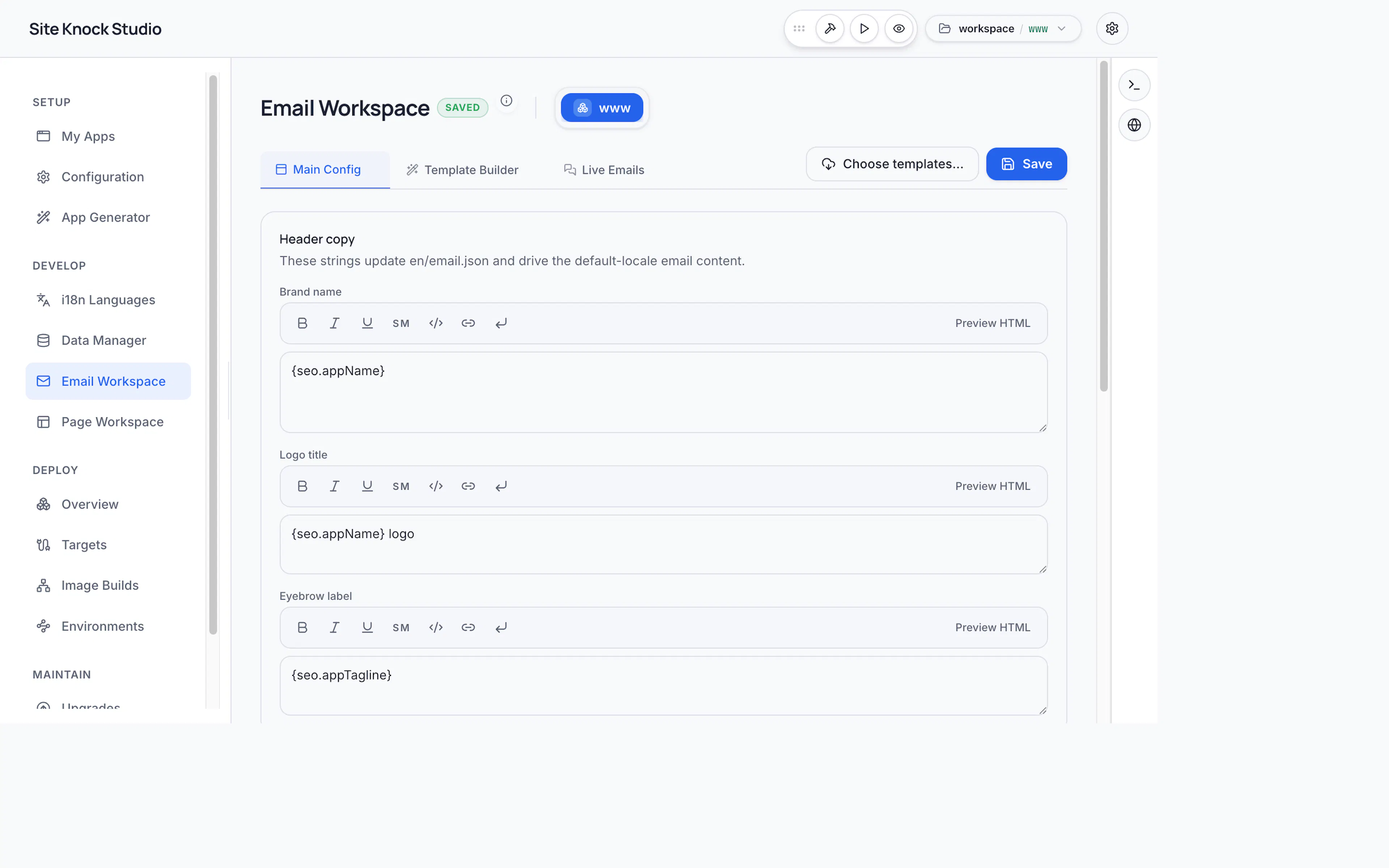
Two tabs
Builder
Design email templates from blocks — text, images, buttons — and bind blocks to runtime variables.
Messages
Manage message copy, assign a template per message, set preview variables, and preview per locale.
Designing templates
The visual builder lets you assemble branded HTML emails without writing markup. Template blocks can be bound to runtime variables (a user's name, a confirmation link, an amount) so the same template renders correctly for every recipient.
Managing messages
Each message your app sends has:
- Copy — the text content, with full locale support.
- An assigned template — the design used to render it.
- Preview variables — sample values used to render a realistic preview.
When you preview a message, Studio resolves runtime placeholders into real values instead of showing raw token syntax, so you see exactly what recipients will get.
Localization
Message copy is localized through the same i18n system as the rest of your app. Switch locales in the preview to verify each translation.
Providers and testing
Email is delivered through your configured provider — SMTP, Resend, Mailgun, or SES (see Email & Templates). In local development, all outgoing email is captured by Mailpit at http://localhost:8025, so you can inspect messages without sending real email.
Design and preview templates in Studio rather than hand-coding HTML emails — email markup is notoriously fiddly across clients, and the builder handles the cross-client details for you.