

Configuring Features
Toggle and configure SiteKnock's platform features — auth, billing, organizations, email, i18n, database, storage, cache, and rate limiting — from Studio.
Feature toggles
Every SiteKnock feature is driven by your project config and surfaced in Studio as a toggle with its own settings panel. Turn a feature on, configure it, and Studio regenerates the wiring across your apps.
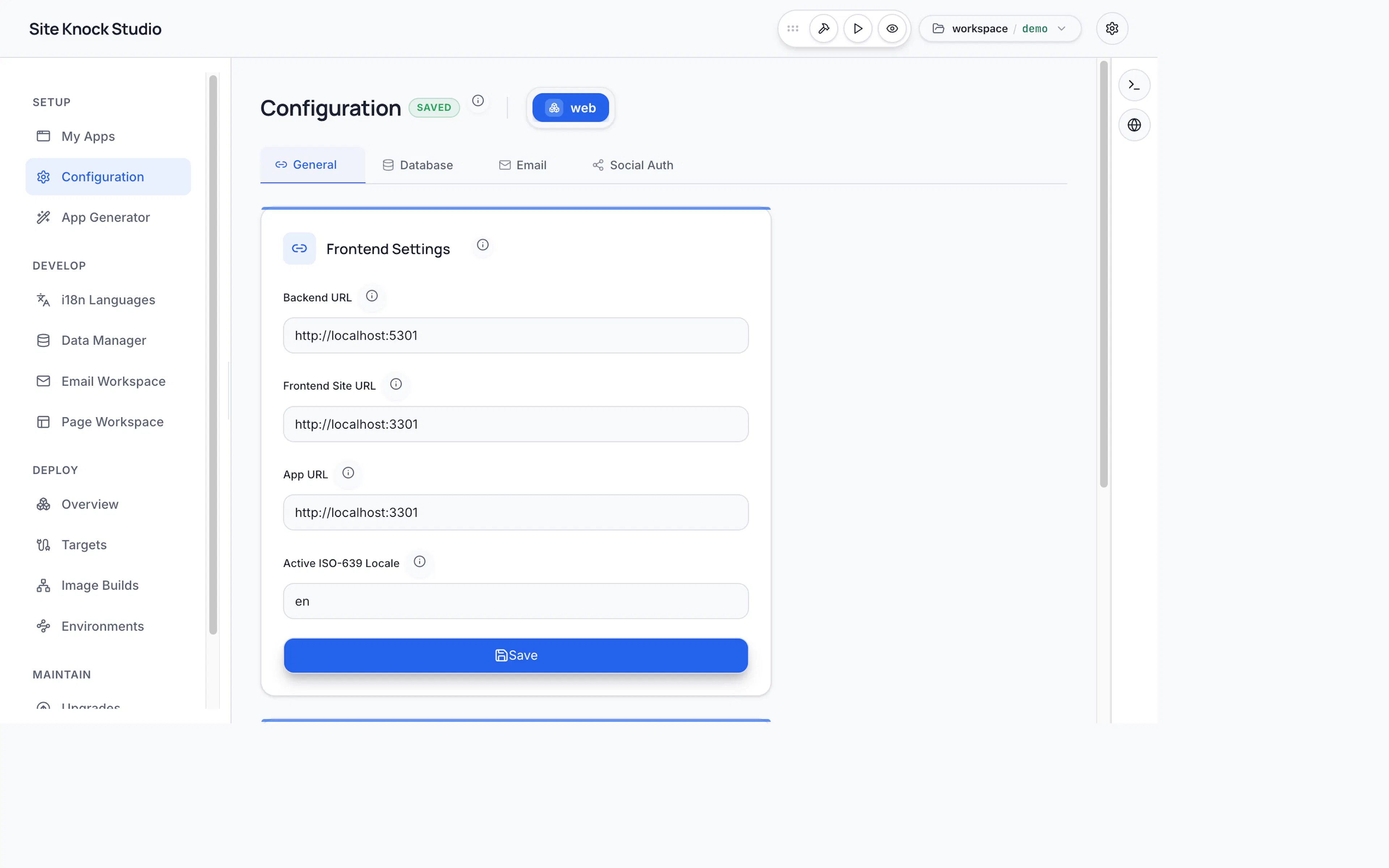
Features are hierarchical. Enabling a sub-feature can auto-enable its parent — for example, magic-link sign-in automatically enables email. Studio handles these dependencies for you.
What you can configure
Authentication
Email/password, magic links, password reset, MFA, and social providers.
Organizations & RBAC
Multi-tenant teams, roles, permissions, and invitations.
Billing
Stripe processor, pricing plans, checkout, and the customer portal.
Provider (SMTP, Resend, Mailgun, SES), sender identity, and templates.
Internationalization
Languages, locale detection, and the language switcher style.
Database
Choose the provider (PostgreSQL, MySQL, SQLite, SQL Server, D1).
Storage
Filesystem or S3-compatible provider, buckets, and upload limits.
Caching & Rate Limiting
Memory or Redis backends, TTLs, windows, and prefixes.
How it works
When you change a feature in Studio:
- Studio updates
config/sk-config.jsonc(and per-app overrides where relevant). - The generator runs, writing all derived files — routing, auth wiring, Prisma schema merges, seed data, env templates, and feature flags.
- Your apps pick up the change on the next dev run.
The CLI equivalent is to edit the config and run pnpm sk:generate. See Configuration for the config model in detail.