

Managing Apps
Add frontend, backend, fullstack, or e2e apps to a project and configure their ports and hostnames in Studio.
The app manager
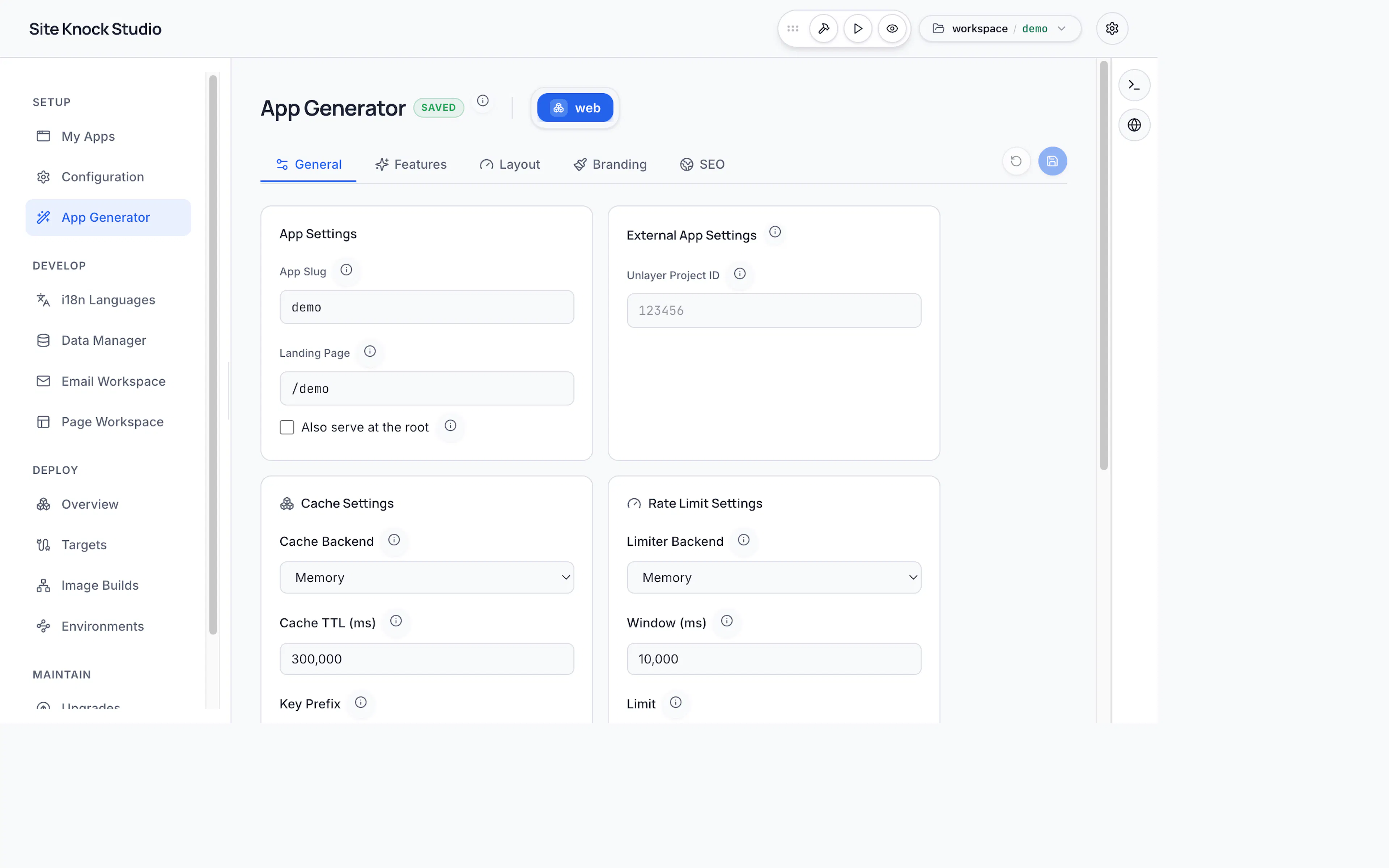
Studio's app manager lets you add and remove apps and configure their networking — all without touching config/sk-config.jsonc directly.
Adding an app
Use the Add App dropdown and choose a type:
| Type | What you get |
|---|---|
Frontend (fe) | A Next.js app |
Backend (be) | An Express API |
Fullstack (fe+be) | A Next.js frontend plus an Express backend |
E2E (e2e) | A Playwright suite targeting other apps |
Studio scaffolds the app folders under apps/, creates per-app config under config/<name>/, and adds locale files under locales/<name>/. This is the visual equivalent of pnpm app create <name> --type <type>.
Configuring ports and hostnames
Expand any app in the project settings to edit its network fields:
- Ports — frontend (default
3000) and backend (default5000). Studio flags port conflicts. - Hostnames — default
localhost; custom hostnames need an/etc/hostsentry.
See Apps & Ports for the underlying conventions.
Opening an app
Open an app in the app generator to edit its pages and routes visually, or work in code — both stay in sync because everything is generated from config.
Removing an app
Use the trash icon next to an app to remove it and its files. This is equivalent to pnpm app remove <name>.
Removing an app deletes its folders under apps/, config/<name>/, locales/<name>/, pages/<name>/, and emails/<name>/. Make sure your work is committed first.