

Containers & Compose
Build the frontend and backend container images and run them, via Studio or manually.
Two container images
Each SiteKnock app produces two images — one for the Next.js frontend and one for the backend (Express or Hono). They run side by side and communicate over HTTP.
Build and run with Studio
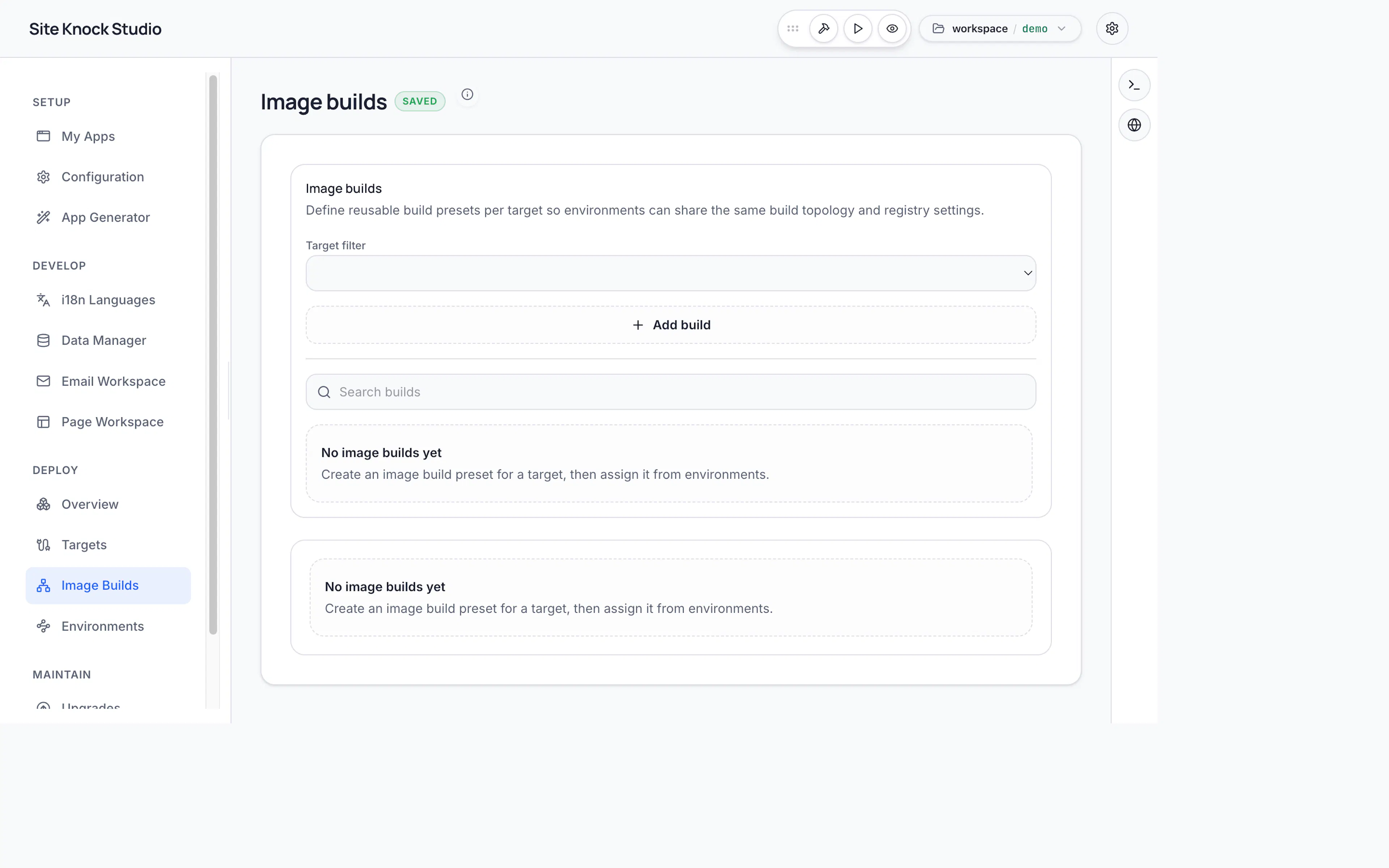
Studio's deploy flow builds both images, starts them with your configured environment variables, applies migrations, and health-checks the result. This is the recommended path and handles the details for you.
Manual build
If you orchestrate deployments yourself, build the images from each app's service folder. For a single-app project with the default <app>-fe/<app>-be folder names:
docker build -t my-app-fe ./apps/my-app-fe
docker build -t my-app-be ./apps/my-app-be
For a multi-app project, the folders are named after the app's service IDs — typically <app-slug>-fe and <app-slug>-be:
docker build -t my-app-fe ./apps/my-app-fe
docker build -t my-app-be ./apps/my-app-be
Then run them with your production environment variables, for example via Docker Compose. Make sure:
- The backend has
DATABASE_URL,BETTER_AUTH_SECRET,FRONTEND_ORIGIN, andBACKEND_PUBLIC_URL. - The frontend has
NEXT_PUBLIC_API_BASE_URLpointing at the backend. - Provider credentials for storage, email, and billing are set where used.
See the Deployment Overview for the full variable list.
Public assets
Public files — logos, Open Graph images, and other marketing assets — live under apps/<frontend>/public/assets/* and ship inside the frontend image. User uploads and private files should use S3-compatible storage in production.
Keep configuration in environment variables, not baked into images. The same image should run in staging and production with different env values.