

Deploying from Studio
Use Studio's deploy flow to build containers, run migrations, and health-check your frontend and backend.
Overview
Studio provides a guided deploy flow so you can ship your app without assembling container builds by hand. It's the recommended way to deploy a SiteKnock project.
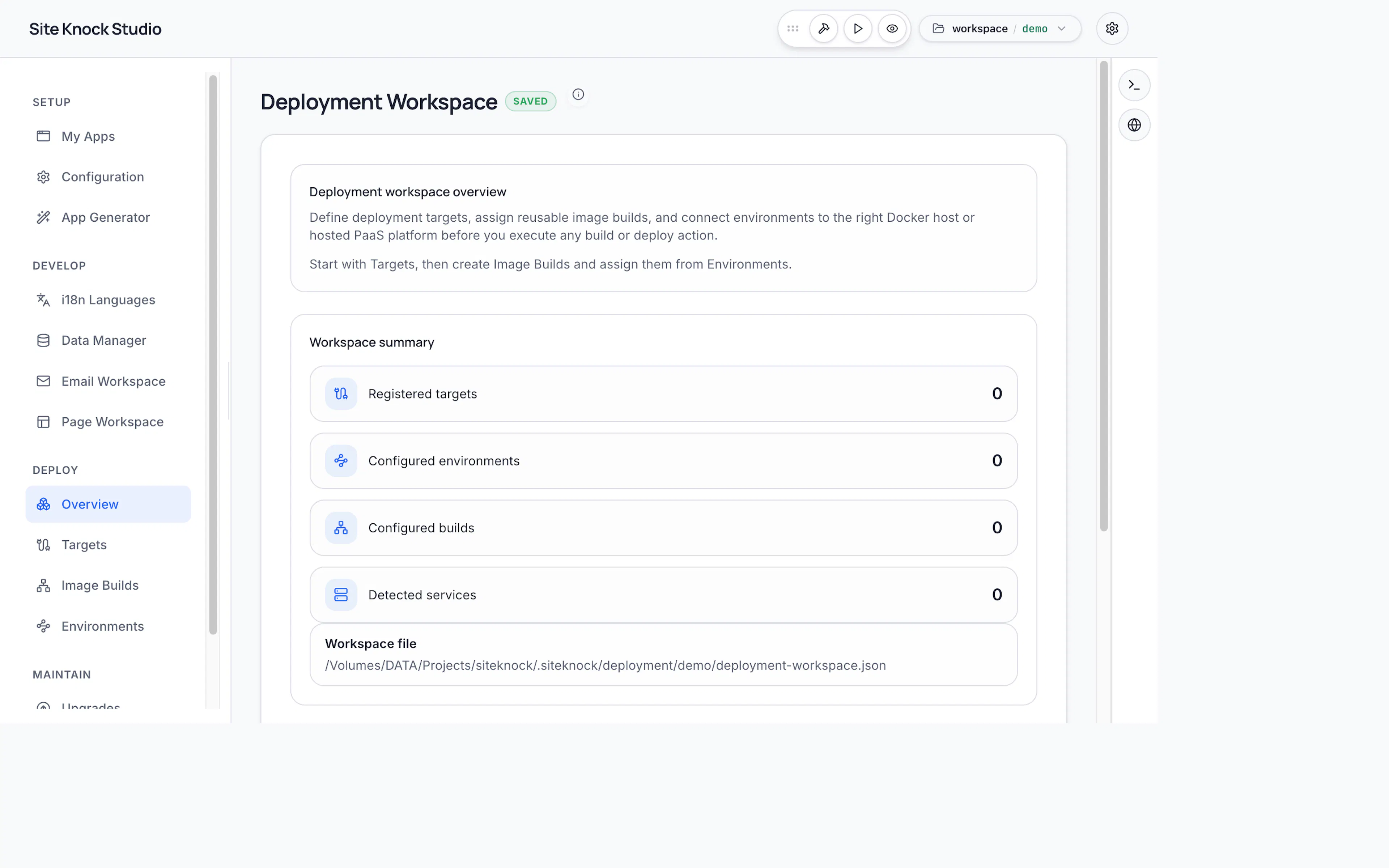
What the deploy flow does
Build containers
Studio builds your frontend (Next.js) and backend (Express) as separate container images.
Apply migrations
Database migrations run as part of the release so your schema is up to date before traffic arrives.
Start services
Containers start with the environment variables you've configured for the target.
Health check
Studio verifies the backend responds at GET /api/health before considering the deploy healthy.
Two-service model
SiteKnock deploys as two independent services:
| Service | Container | Port | Health |
|---|---|---|---|
| Frontend | Next.js | 3000 | — |
| Backend | Express | 5000 | GET /api/health |
This separation lets you scale, restart, and roll out each tier independently.
Before you deploy
Make sure your production environment variables are set — auth secret, database URL, CORS origins, and any provider credentials for storage, email, and billing. See the Deployment Overview for the full checklist, and Migrations & Health for database details.